

Skills
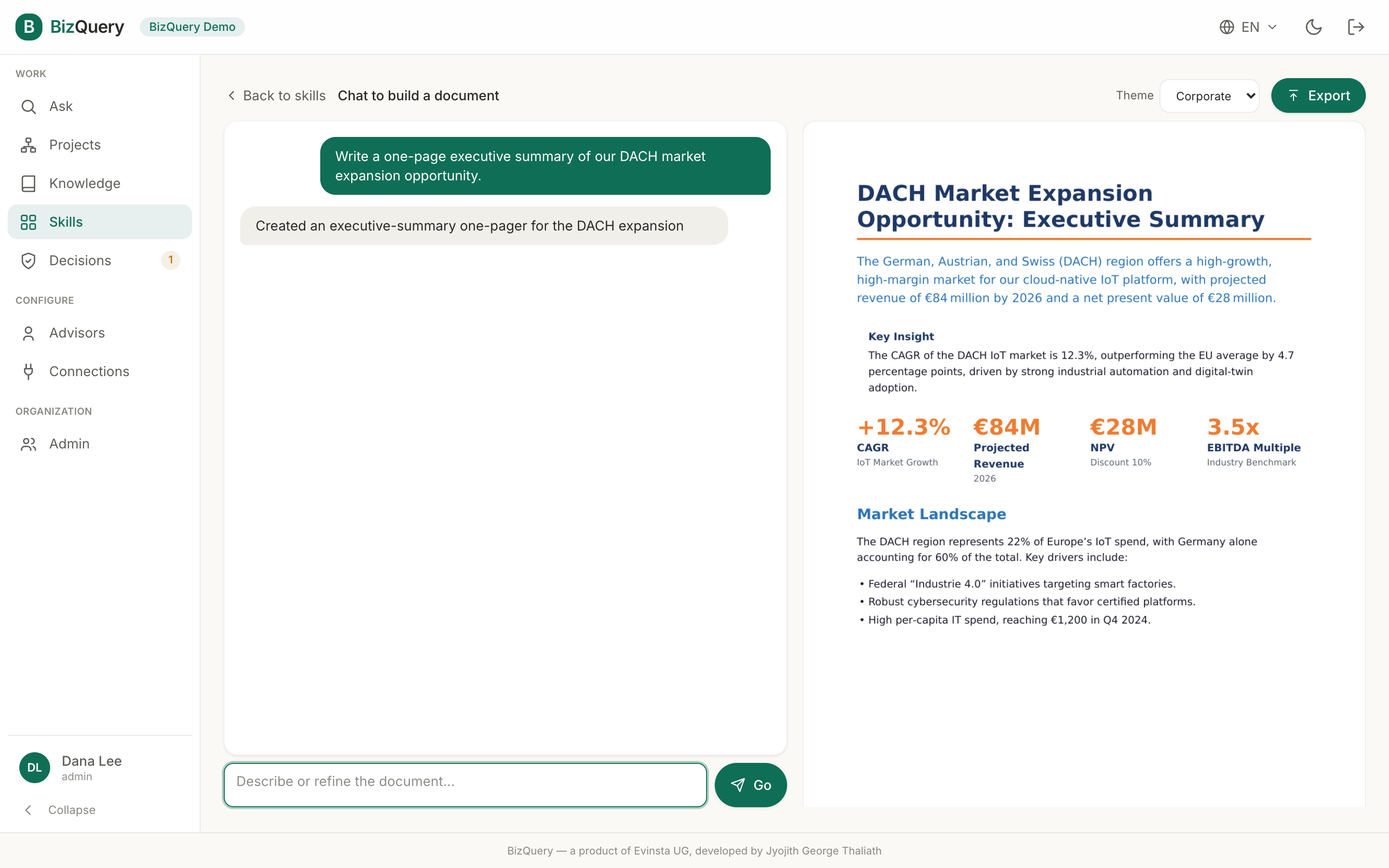
Skills is a gallery of capabilities BizQuery can do for you beyond answering questions. Today it has one: Document Generator — turn a prompt, or an existing file, into a polished document. Generate slide decks, spreadsheets, or reports from a description, or edit an uploaded file with safe, typed operations. Choose a template, theme, and length; the result downloads, or is saved to a library.
Chat to build
Open the Document Generator and set it up:
- Template (optional) — pick one to pre-fill the format and seed the first message.
- Format — Auto (let it pick), Slides (PPTX), Spreadsheet (XLSX), or Report (PDF).
- Where the content comes from — My sources (grounds the document in a project or specific libraries, via the same scope picker Ask uses), From a chat (seed it from an existing conversation), From a playbook (seed it from a Decisions playbook — organization accounts only), or Write freely (no grounding).
- Theme — your organization’s brand themes, with the default marked ★.
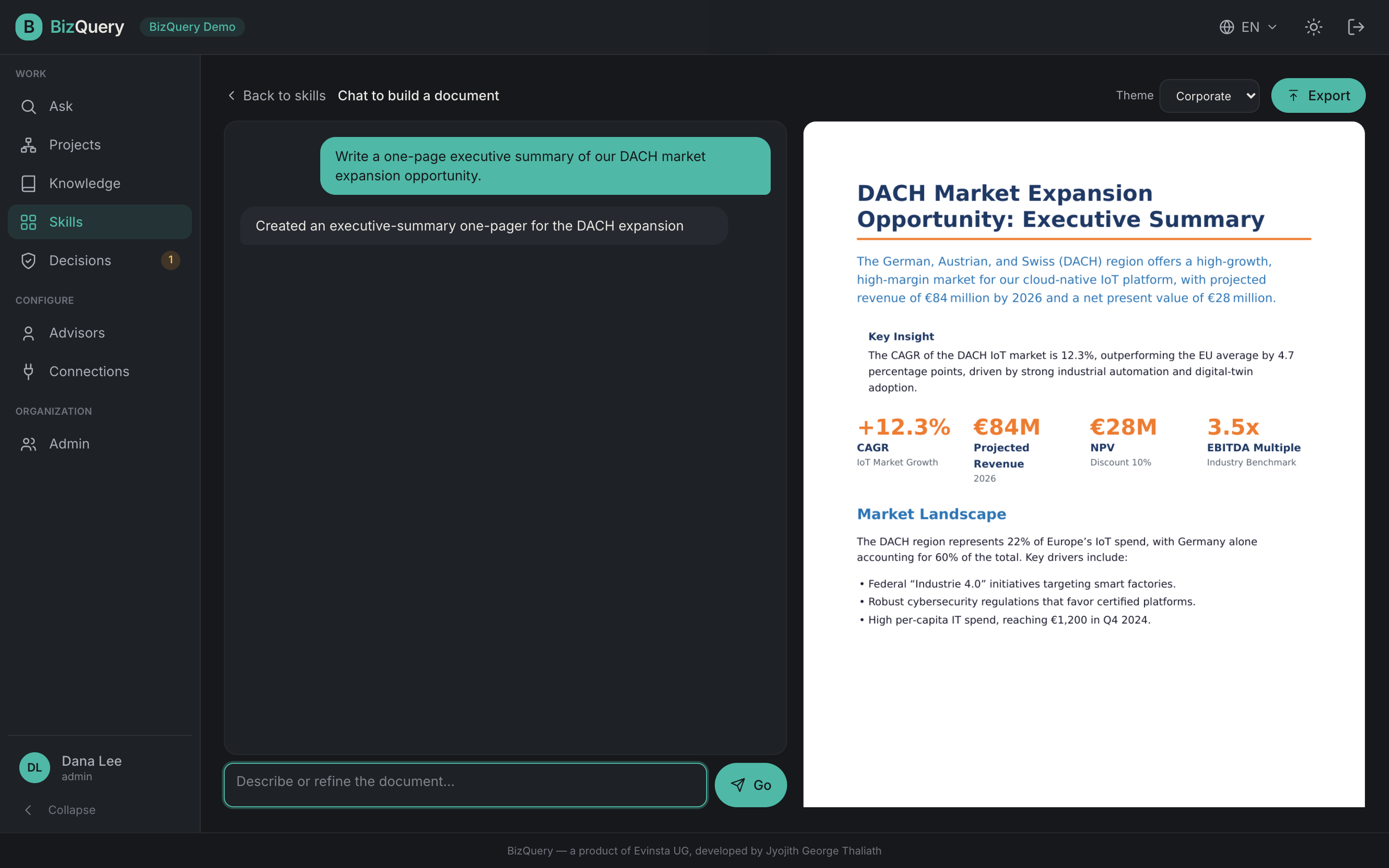
Click Start building and you’re in the studio: a chat on the left, a live preview on the right. Describe or refine the document turn by turn — each message re-renders the preview. Switch themes at any point to re-render with a different look. When it’s ready, Export — you’ll be prompted for a filename, the file downloads, and the run is archived. Refining it again un-archives it.
Recent and archived documents
Below the setup card, Recent documents lists your drafts — click one to resume the chat exactly where you left off. Tick Show archived to see exported/archived runs instead. Each row has a ”⋮” menu (Download, Archive/Unarchive, Delete), and Select turns on multi-select for bulk actions.
Brand kit
Admins see a Brand kit button for managing the organization’s document themes — brand colors, light/dark mode, and an optional logo — so every generated document matches your organization’s look.