

Admin
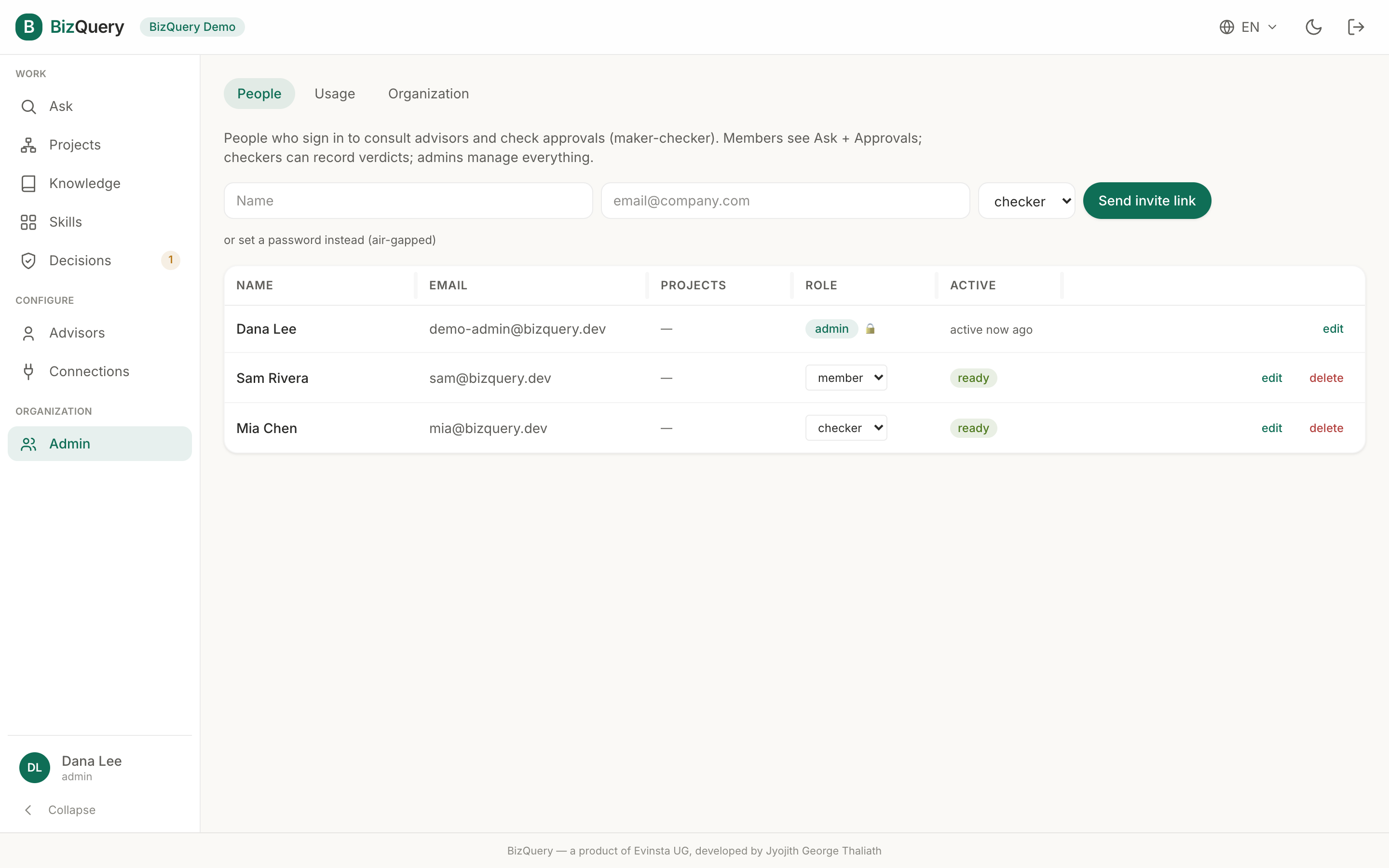
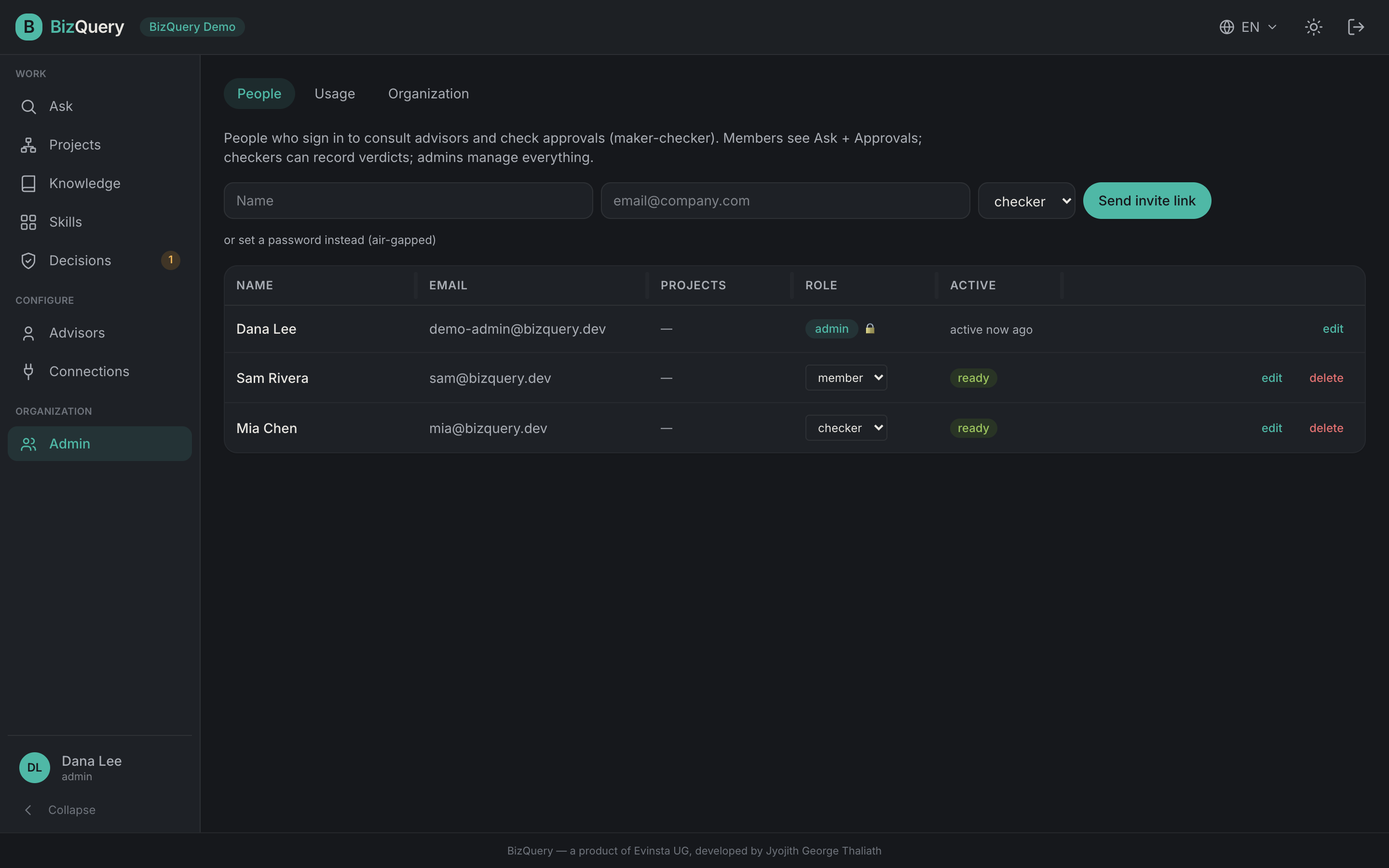
Admin is where an organization admin manages the workspace. It has three tabs. (Individual accounts don’t have it — there’s no one else to manage.)
People
Invite and manage the people who can sign in:
- Invite a user with a single‑use link, or set a password directly (useful for air‑gapped setups).
- Assign a role — member, checker, or admin. A last‑admin guard stops you locking the org out of admin access.
- See each person’s projects and login status (active, pending, or never signed in), and edit or remove them.
Usage
Token usage per member and model across Ask, Skills, Decisions, and ingestion — pick the period (this month, last month, a range…). Organization usage shows tokens only; the estimated cost lives on your own account.
Organization
Organization‑wide settings:
- Show shared resources to your members — whether everyone (not just admins) can use the libraries and advisors HQ shares with the platform.
- Tags — the organization’s shared vocabulary for organizing documents across libraries.