

Projects & access
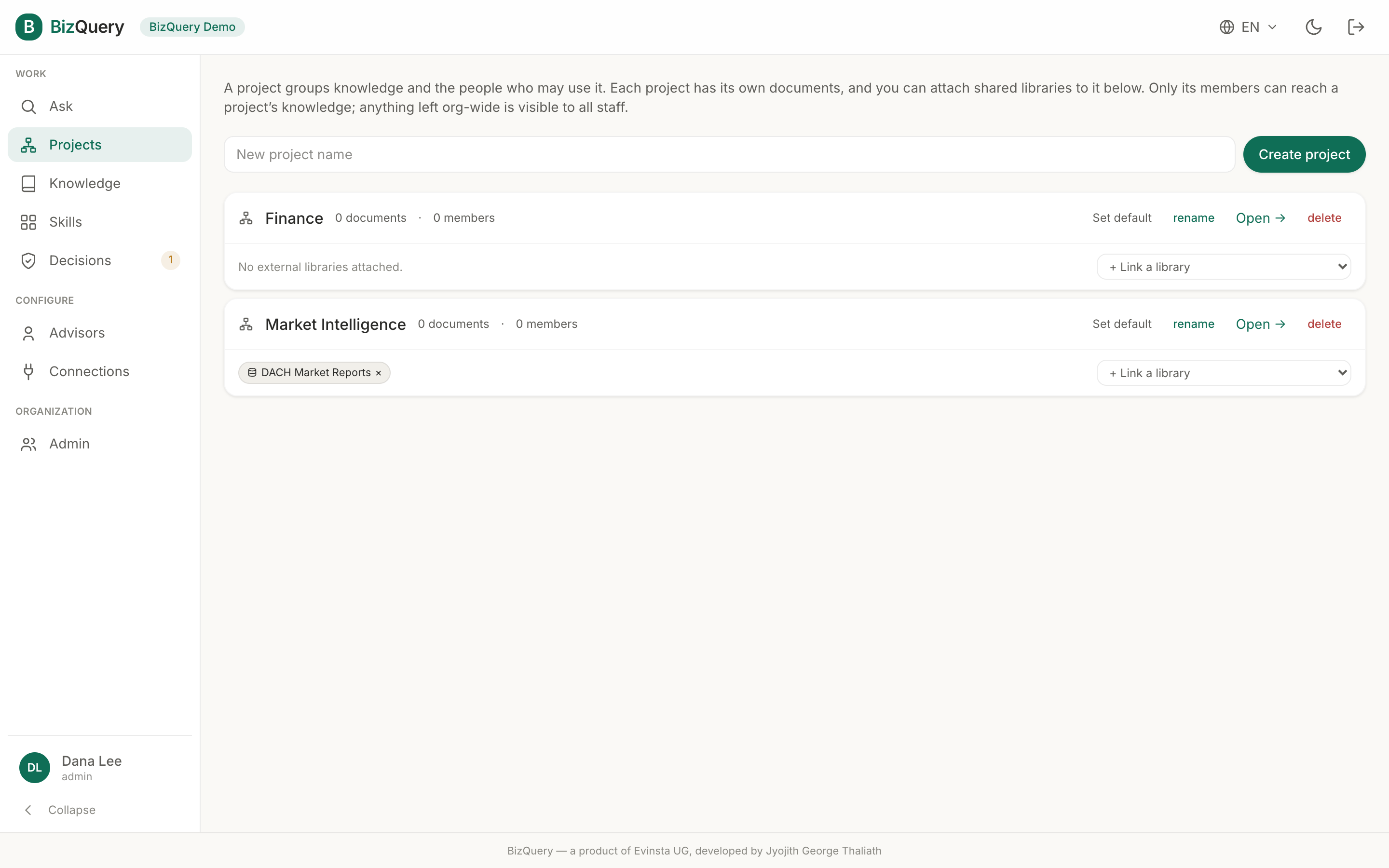
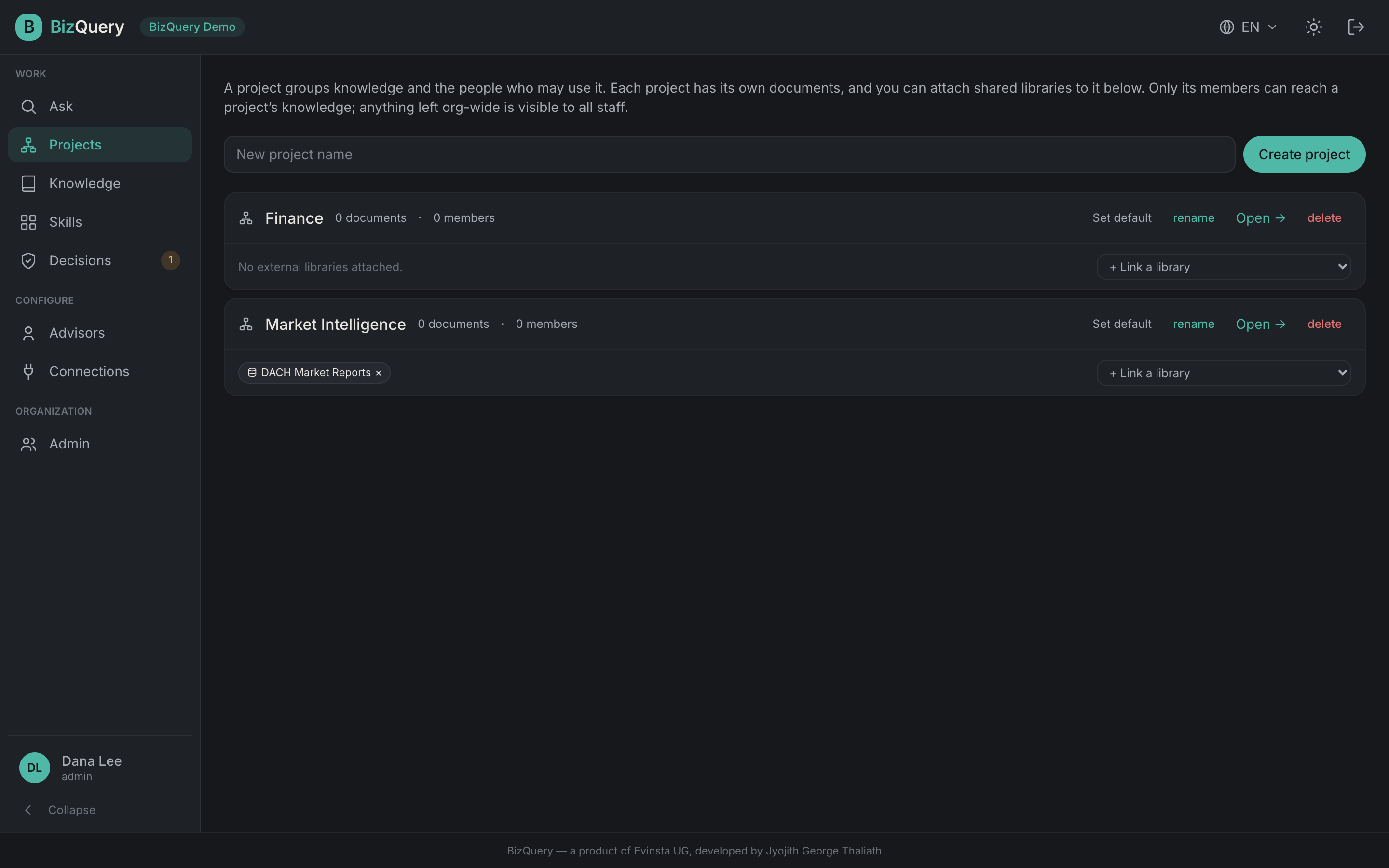
A project groups knowledge and the people who may use it. It’s how an organization organizes work and controls access: scope a library to a project and only that project’s members can reach it; anything left org‑wide is visible to all staff. (Individual accounts skip projects — everything is simply private to you.)
Projects are also the scope behind the rest of the product: Ask answers over the project you’re working in, and a Decisions playbook grounds its advisors in a project’s libraries.
The default project
Every organization has a default project — the “all staff” scope that behaves like org‑wide knowledge. New conversations start there unless you pick another. An admin can set any project as the default from the Projects list.
Managing projects
From Projects, an admin can create, rename, and set a default project. Open a project to manage it in three tabs:
- Documents — upload and browse the project’s documents (with the AI’s suggested title and tags to confirm).
- Libraries — create libraries here, or attach an existing org‑wide library to the project. Detaching reverts it to org‑wide.
- Members — add people (as member or manager) or remove them; only members can reach the project’s libraries.
An All documents tab alongside Projects lists every document you can access, with status and library filters — view, edit, reprocess, or delete from one place.
Visibility
Every datasource, advisor, and tag carries a visibility that decides who can see it:
| Visibility | Who can see it |
|---|---|
| Private | Only you (the owner). |
| Project | Members of that project. |
| Organization | Everyone in your organization. |
| Shared / global | Everyone on the platform — curated by the operator. |
Rules of thumb:
- Members create private resources of their own; admins can also share at the project or organization level.
- Individuals only ever create private resources.
- Globally‑shared resources are published by the platform operator.
- An advisor shared more widely than its knowledge won’t work — its sources have to reach everyone the advisor is shared with.