

Connections
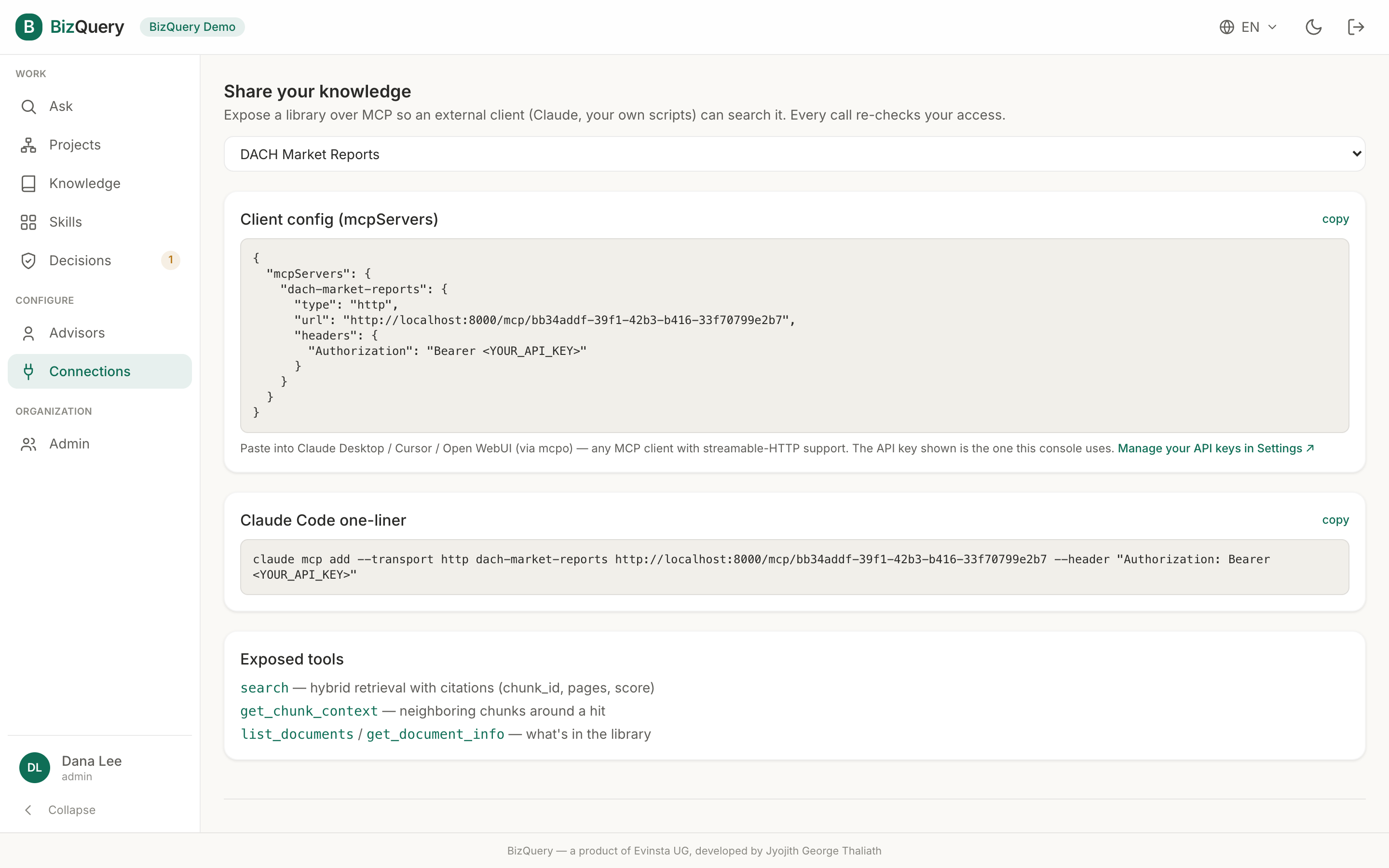
Connections is where BizQuery speaks MCP (the Model Context Protocol) in both directions.
Bring external tools in
Connect external MCP servers (Slack, Notion, Salesforce, and the like) so your advisors can use their tools alongside your documents. Here BizQuery is the MCP client.
- Add a server with its URL and any auth headers.
- Test the connection to confirm it responds.
- Enable or disable it without deleting it.
Once connected, an advisor can call those tools as part of answering — for example, looking something up in Notion while reasoning over your PDFs.
Expose BizQuery to your AI client
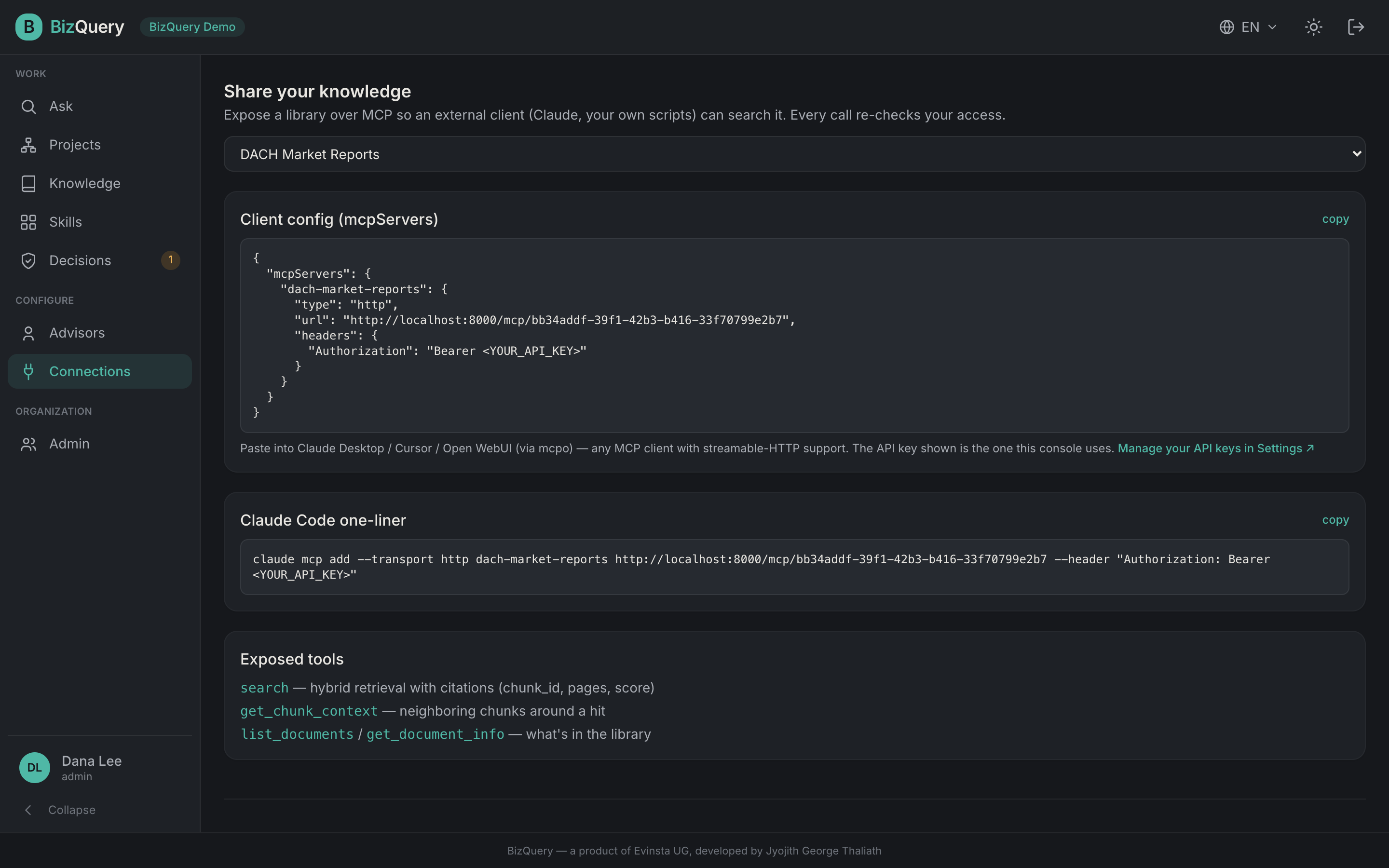
Go the other way: expose your libraries as an MCP server so an external AI client can search them. Here BizQuery is the MCP server. The page gives you ready‑to‑paste client configuration:
- an
mcpServersJSON block for Claude Desktop, Cursor, or Open WebUI (via mcpo) — any MCP client, - a Claude Code one‑liner,
- the list of exposed tools the client gets:
search(hybrid retrieval with citations),get_chunk_context(neighboring passages around a hit),list_documents, andget_document_info.
Every call re‑checks your access, so a client only ever reaches what you’re allowed to read.