

Your account
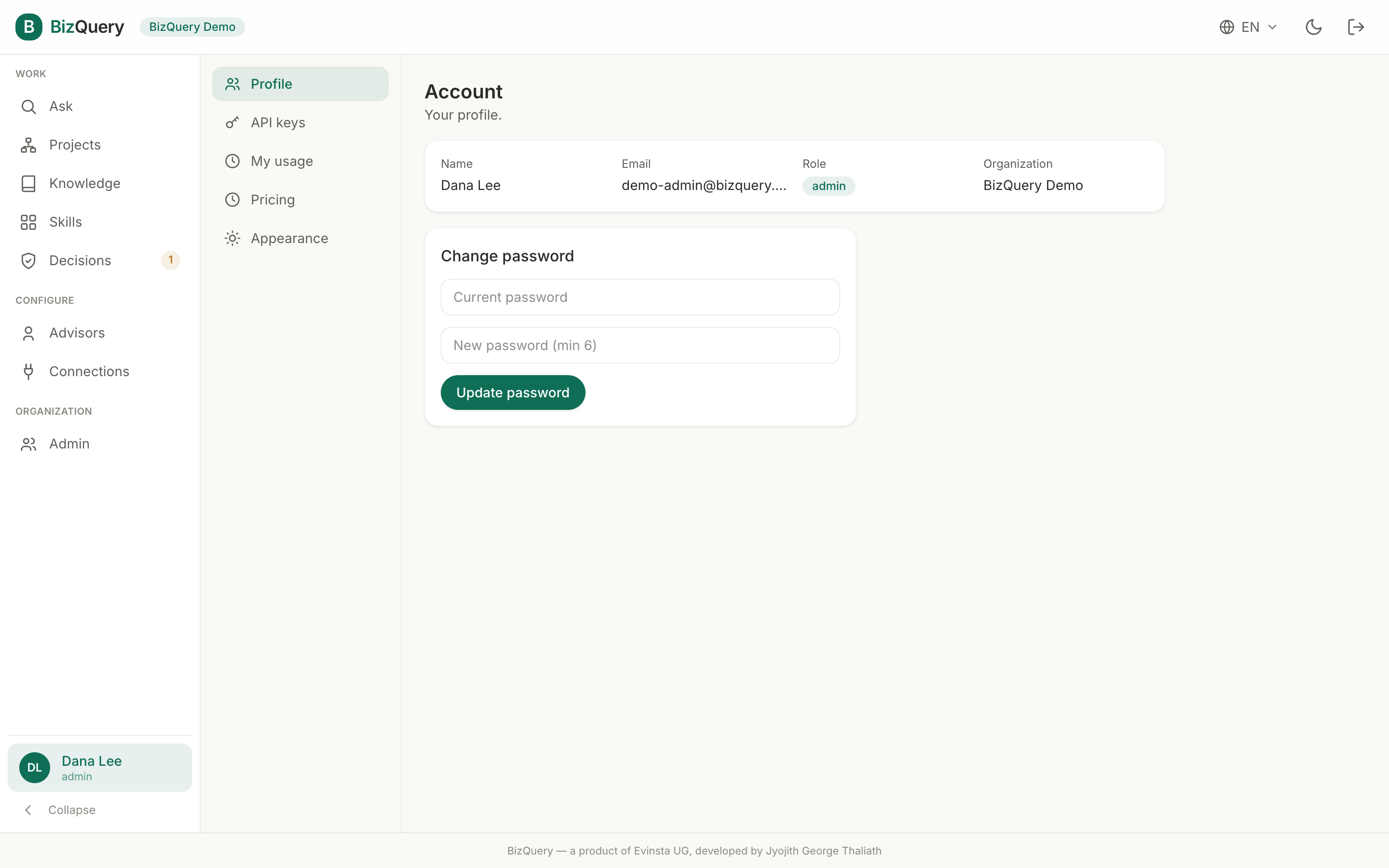
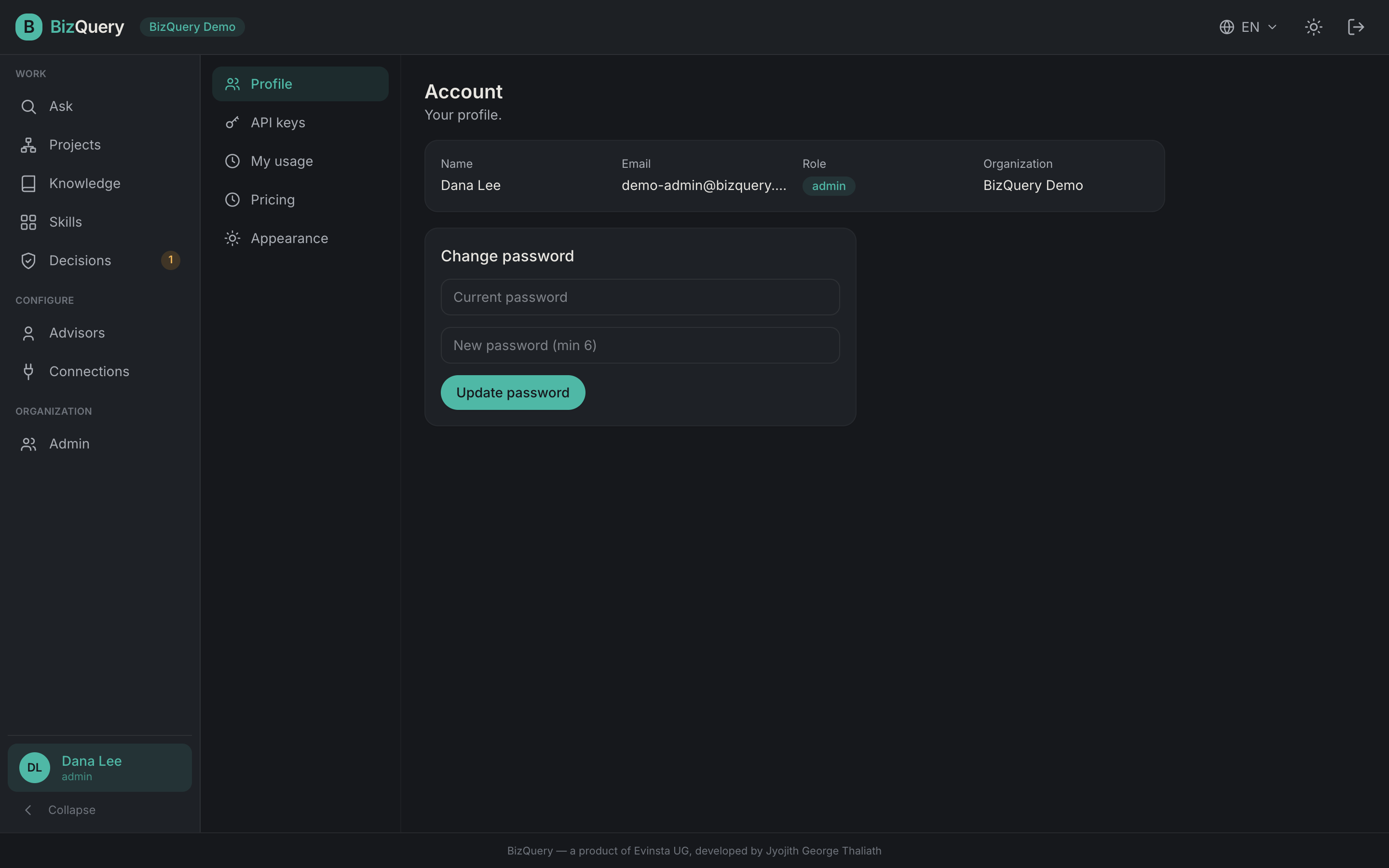
Your name and role sit at the bottom of the sidebar — open it for Settings. Every account type has this.
Profile
Your details (name, email, role, organization) and a change‑password form.
API keys
A key authenticates as you for scripts, CI, or MCP clients — treat it like a password
(Authorization: Bearer <key>).
- Create a key — the secret is shown once, so copy it then.
- Rotate it to replace the secret immediately (the old one stops working), or revoke one you no longer need.
- Optionally set an expiry.
Use a key with the API or to connect an external MCP client.
Usage
Your own token use and estimated cost, with a spend headline and trend, by‑model, and by‑service charts.
Pricing
The current price list — EUR per 1M tokens per model, with the effective date.
Appearance
Switch between light and dark theme and your language (English, Deutsch, Français).