Integrations & MCP
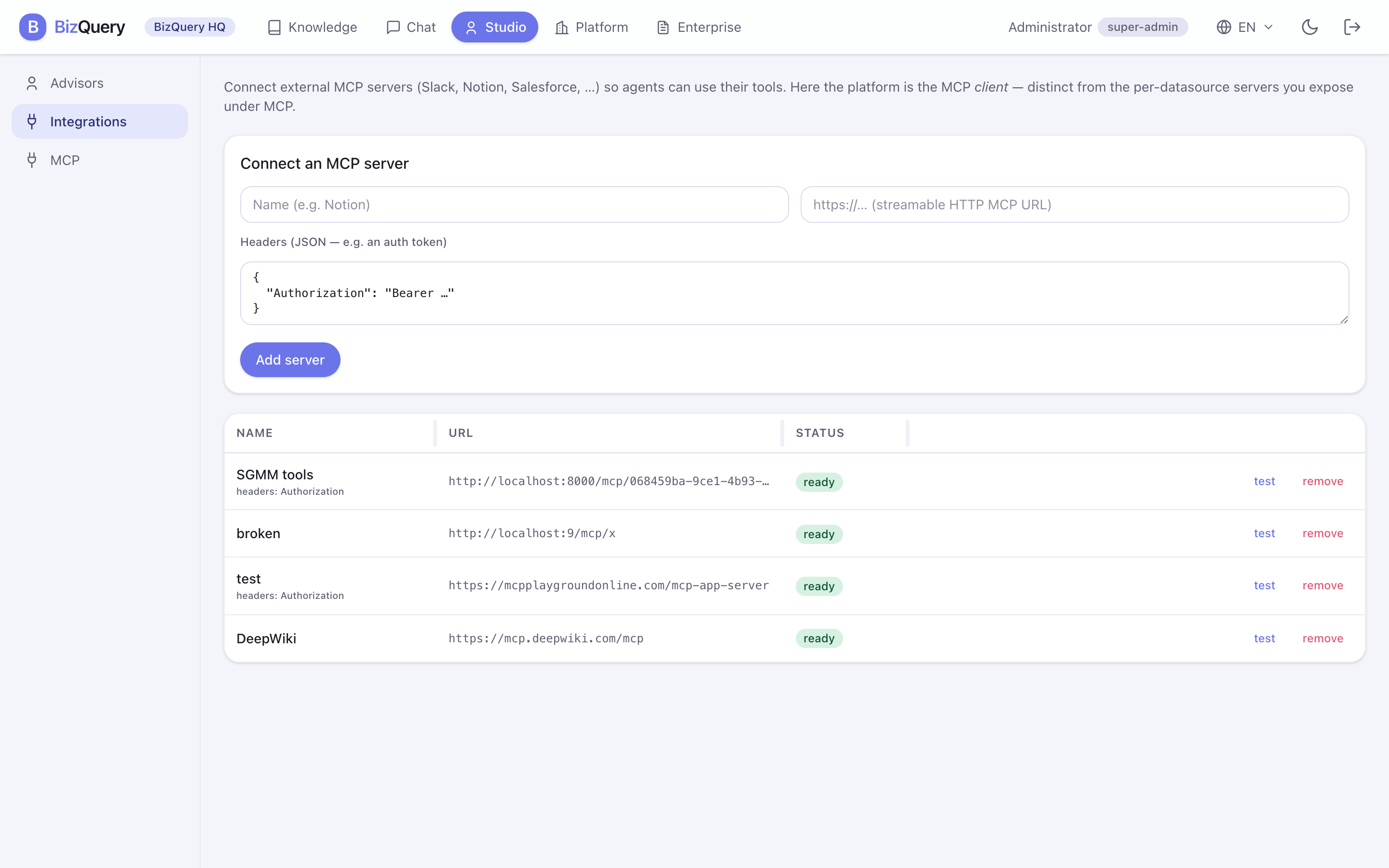
BizQuery speaks MCP (the Model Context Protocol) in both directions, from Studio.
Integrations — bring external tools in
Under Studio → Integrations, connect external MCP servers (Slack, Notion, Salesforce, and the like) so your advisors can use their tools alongside your documents. Here BizQuery is the MCP client.
- Add a server with its URL and any auth headers.
- Test the connection to confirm it responds.
- Enable or disable it without deleting it.
Once connected, an advisor can call those tools as part of answering — for example, looking something up in Notion while reasoning over your PDFs.
MCP — expose BizQuery to your AI client
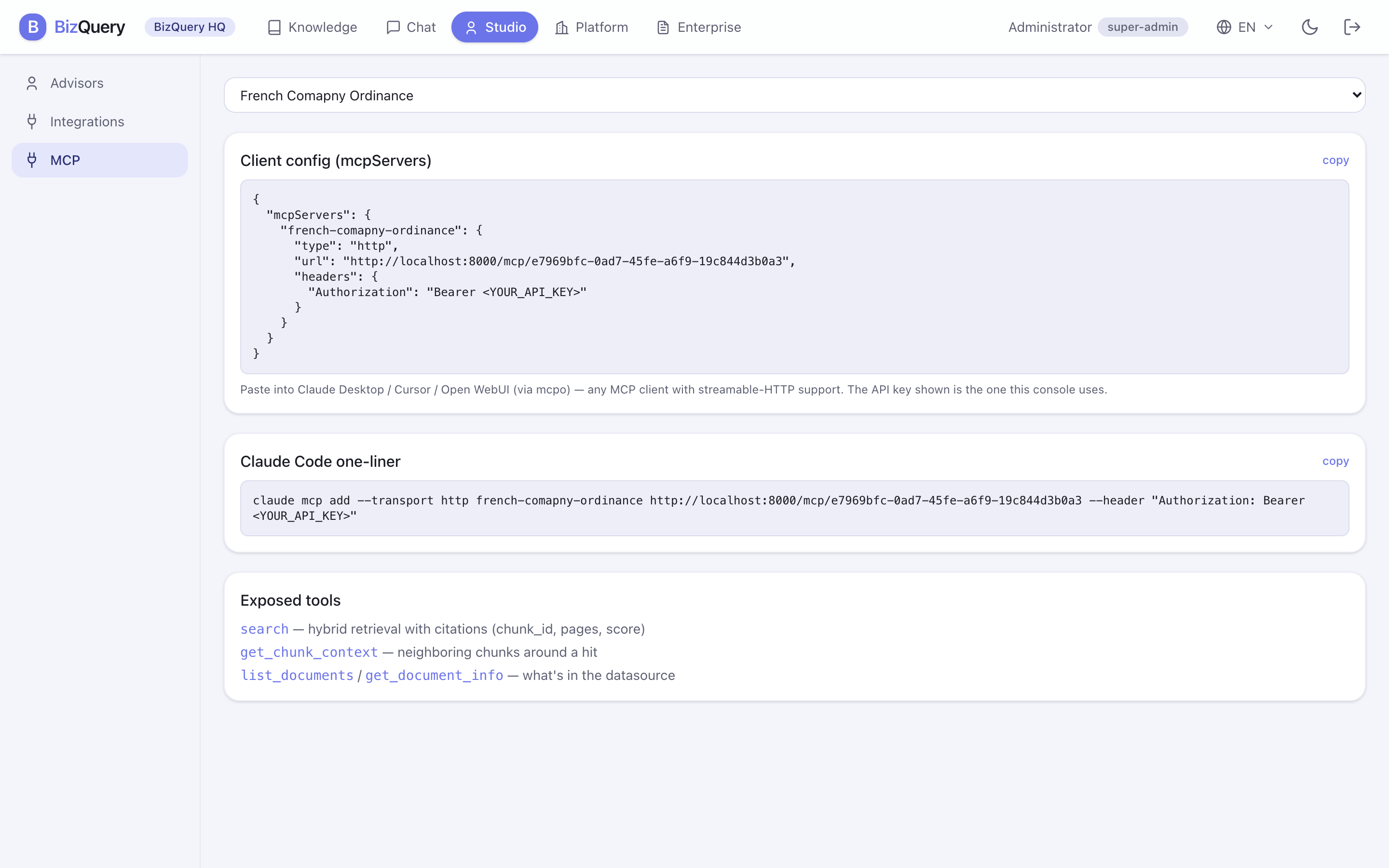
Under Studio → MCP, go the other way: expose your datasources as an MCP server so an external AI client can search them. Here BizQuery is the MCP server.
The page gives you ready‑to‑paste client configuration:
- an
mcpServersJSON block for Claude Desktop, Cursor, or Open WebUI (via mcpo) — any MCP client, - a Claude Code one‑liner,
- the list of exposed tools the client will see (such as search over your knowledge).